Stop Losing Leads: How to Add Online Scheduling to Your Shed Website
Copy Link
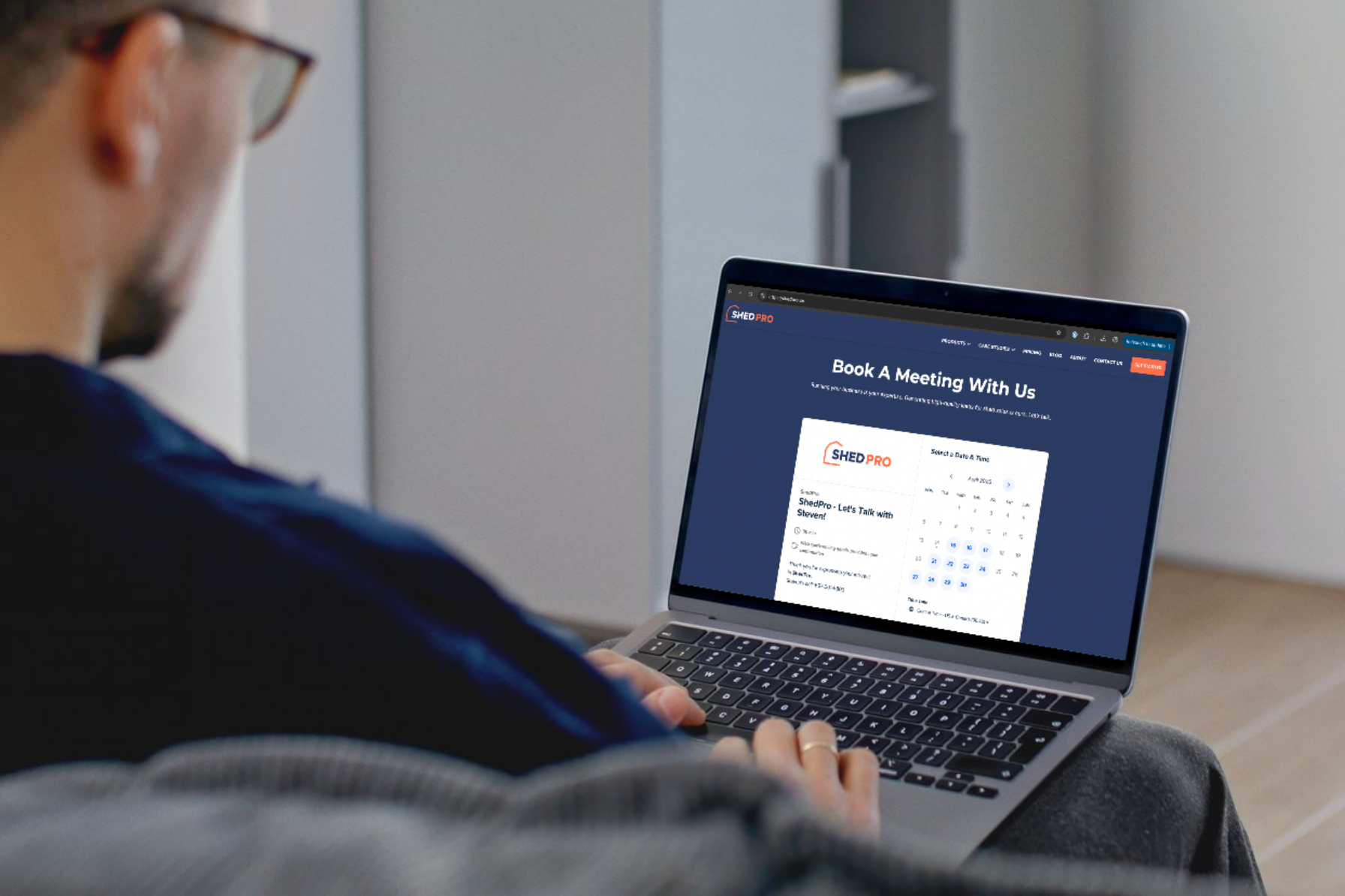
Most shed businesses lose leads in the gap between interest and action.
A customer visits your site. They’re interested. Maybe they even build out a shed or fill out a form. Then they wait.
That wait is where you lose them.
Speed matters more than most people think. According to MIT Lead Response Management Study, responding within 5 minutes makes you 21 times more likely to qualify a lead compared to waiting 30 minutes.
Here’s what that looks like.
A customer lands on your site at 7:30 PM. They’re ready. They want answers. If they can book a call right away, you keep that momentum.
If they have to wait until the next day, they’re gone.
That’s why online scheduling works. It captures intent while it’s still there.

Why Scheduling Tools Work
Most shed websites use forms.
“Submit your info and we’ll get back to you.”
That creates delay. It also creates extra work for your team.
A scheduling tool removes both.
Now the customer:
- Picks a time instantly
- Locks in a call while interest is high
- Gets confirmation right away
At the same time, the system handles reminders and follow-ups for you.
That means fewer missed calls and fewer dropped leads.
What You Need to Set Up
Keep it simple.
👉 Let a customer book a call in under 30 seconds
That means:
- One clear “Book a Call” button
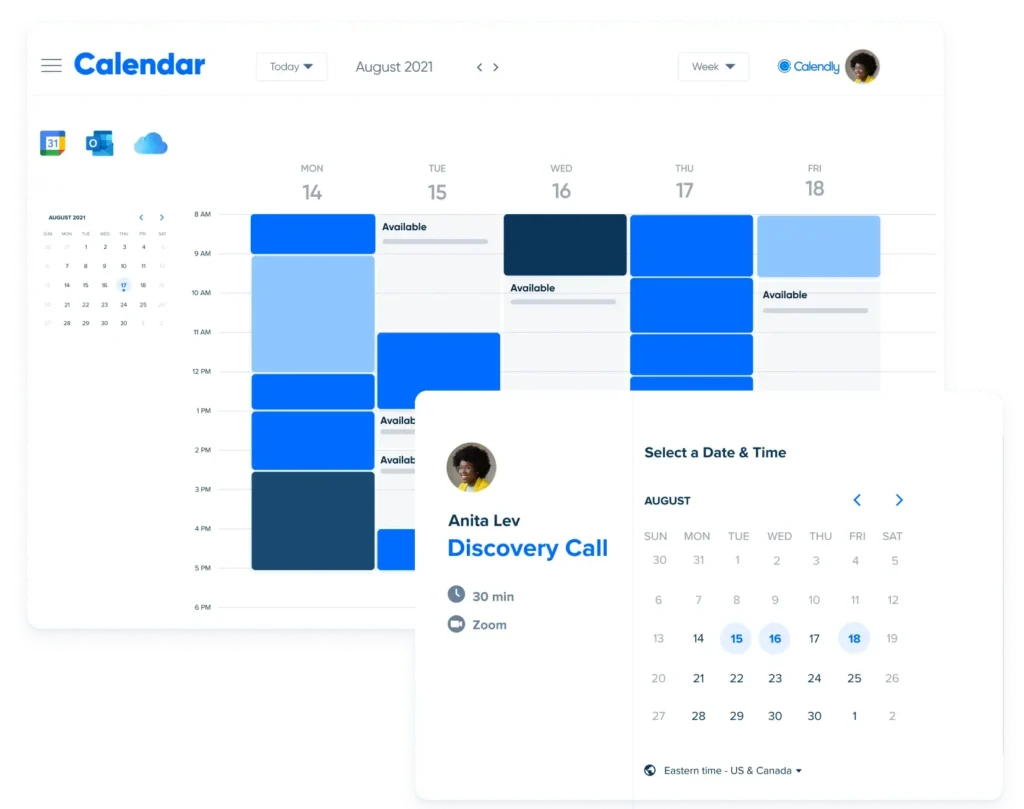
- A live calendar
- Automatic reminders
Option 1: Calendly (Recommended)
This is the easiest place to start. It works right away and covers everything you need.
Simple setup
Start with one booking type:
30-Minute Shed Consultation
Then follow these steps:
- Create a Calendly account
- Connect your calendar (Google or Outlook)
- Set your available days and times
- Create your event (30-minute consultation)
- Add a few basic questions:
- Name
- Phone
- What they’re looking for
- Copy your booking link
- Add it to your website:
- “Book a Call” button
- Contact page
- After form submissions
- After someone uses your configurator
That’s all you need to get started.
Turn this on (important)
After someone books, set up:
- Confirmation email (sent instantly)
- Reminder the day before
- Reminder one hour before
- Follow-up email after the call
Calendly Workflows handles this automatically.
This keeps leads engaged without your team chasing them.
Option 2: Acuity Scheduling
Use this if you want more control.
It’s better for:
- More detailed questions
- Multiple booking types
Setup is similar. It just takes a bit more time.
Option 3: Google Calendar Appointment Scheduling
This is the simplest option.
It works well if you want something basic and quick.
However, it has fewer features and a less polished experience.
Where to Put It
Placement matters.
Add your booking link where people are ready to act:
- Top of your homepage
- Every main page
- After someone configures a shed
- In follow-up emails
The goal is simple:
When someone is ready, they should never have to wait.
The Real Win
Most shed businesses think they need more leads.
In many cases, they already have them.
They just lose them in the delay.
A scheduling tool fixes that.
It captures interest immediately. It books calls faster. It removes manual follow-up.
Set it up once, and it works every day.
Want a Few More Wins?
In a 30-minute call, we’ll pinpoint the single biggest issue suppressing your online shed sales and give you 3 quick wins you can apply this week.
No pressure. No obligation.

Copy Link